A practical guide · For businesses and independents
Preparing for a business photoshoot.
You know you need new photographs. But which ones? This guide helps you decide what to show, who needs to be there and what to discuss before the shoot.
Start with where the images will go.
A wide image at the top of your website has a different job from a team portrait or a square social post. Gather the pages, placements or formats that need photography. A rough sketch or a link is enough to start the conversation.
I want to know what someone should understand from the photograph. That helps me decide what to look for during the shoot.
- Who are you trying to reach, and what should they be able to see about your business?
- Will text sit over the image? Leave room for it in the composition.
- Does a photograph need to work wide, upright or square? Give the main use priority.
 Wide · 16:9Upright · 4:5
The wide version shows more of the pattern. The upright crop leaves less context. That is why I like to discuss the format beforehand: a good photograph also needs to fit where you use it.
Make a short shot list.
Write down the images you actually need. Start with the most important page or message, then build from there. That makes it easier to decide which people, spaces and activities need to be available.
| Use | Image and consideration |
|---|---|
| Website hero | You or your work in a recognisable setting. Room for a heading and buttons; consider the crop on a phone too. |
| About | The person or people behind the business. Which setting says something about who you are and what you do? |
| Team | Portraits with a consistent feel. Who needs to be photographed, and which crop fits the team page? |
| Process | A real task, discussion or step in the work. Choose something that can actually be seen at the location and planned time. |
| Details | A material, tool or part of the finished work. Which detail helps someone understand what you do? |
| Social media | A moment or detail that makes sense on its own. Think about the intended format and any text in the design. |
Choose the parts of this list that fit your business. We agree the subjects, number of delivered images and time needed for your particular project.
Look at the workspace with fresh eyes.
A space does not have to be tidied beyond recognition. Tools, materials and signs of work can help tell the story. Remove what draws attention unintentionally: loose packaging, an overflowing bin or objects that have nothing to do with the photograph.
- Check the background.
- Is the signage correct? Are the logos current? Look for reflections, open screens, documents and names that should stay out of the photograph.
- Think about access.
- Which space is available, when is it quiet and who can let us in? A few simple phone photographs can help us discuss the location beforehand.
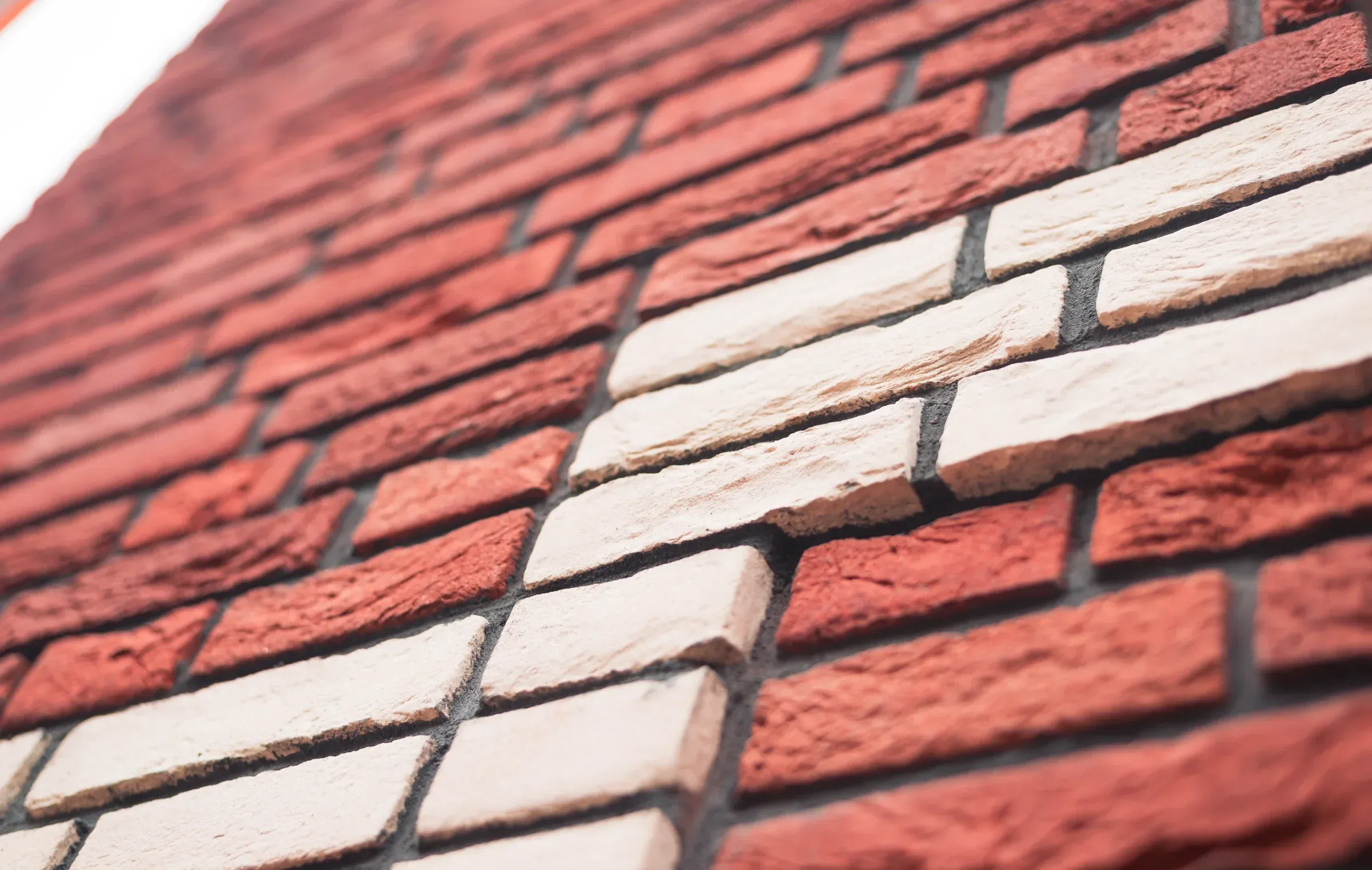
Brick and mortar from my Construction Details series. The material and the way something is made can deserve attention of their own.
View the construction seriesGive people time and clarity.
Let people know what the images are for and who will be photographed. Agree when each colleague is available, so a team photograph does not depend on someone who has already left for a meeting. One contact person helps keep the schedule clear at the location.
- Clothes that feel like you.
- Choose something comfortable that fits your work. Check prominent wording or logos. An extra top can be useful if you are unsure; a completely new wardrobe is not necessary.
- Room to settle in.
- Tell me if you or a colleague feels nervous about being photographed. Also mention anyone who does not want to be recognisable, so we can take that into account when planning.
Make the agreement specific.
Good preparation means knowing what to expect from each other. Before the shoot, discuss what is included and what still needs to be decided. Cover:
- The subjects, location, available time and people needed.
- Selection, editing, the number of images and file formats.
- Where you want to use the images: a website, social media, print or a campaign.
- When and how the images will be delivered, particularly if you have a publication date.
- The price, any additional costs and what happens if plans change.
We discuss the intended use of the images and any publication in my portfolio as part of the project.
Read how we work togetherFive things for your first message.
You do not need a finished plan. These five points give me a useful place to start. Feel free to use them as an outline for your message.
Your business
What do you do, and for whom? Include your website if you have one.
The purpose
Where will the photographs appear? Which image matters most?
The subject
Who or what would you like photographed?
The place
Where will the shoot happen? Is there anything practical to know?
The timing
Do you have a period or deadline in mind? What is already fixed?
You can add examples you like or an indication of your budget. If something is still undecided, just say so.
You can print this guide or save it as a PDF through your browser.